最近遇到一个问题,如果需要计算区域内的面积,比如说要计算下图中类似三角形区域内的面积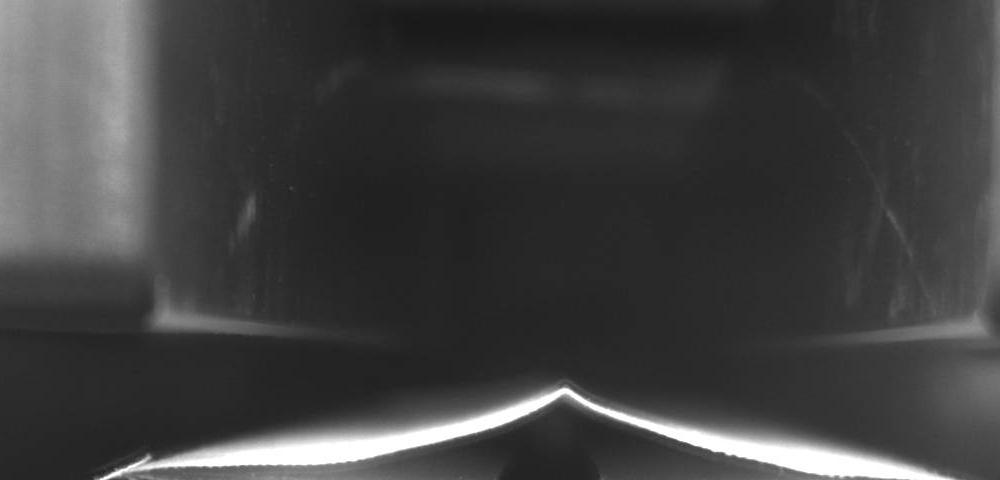
之前的做法是用Canny算子提取边缘,再用HoughLines拟合直线,然后求出交点坐标并计算三角形面积,其中,边缘提取后的图像如下图所示: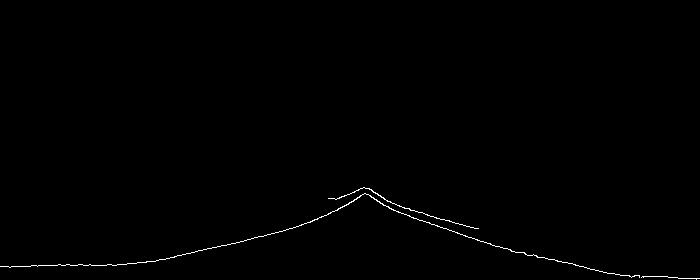
我们可以很明显的看出这不是一个标准的三角形,所以如果想要更精确的获得三角形,就需要对图片进行轮廓提取,然后计算轮廓内区域的面积。这里给出代码:
{% codeblock %}
import cv2
import numpy as np

# Input image
img = cv2.imread('cut.jpeg', cv2.IMREAD_GRAYSCALE)

# Needed due to JPG artifacts
_, temp = cv2.threshold(img, 128, 255, cv2.THRESH_BINARY)

# Dilate to better detect contours
temp = cv2.dilate(temp, cv2.getStructuringElement(cv2.MORPH_ELLIPSE, (3, 3)))

# Find largest contour
_, cnts, _ = cv2.findContours(temp, cv2.RETR_EXTERNAL, cv2.CHAIN_APPROX_NONE)
largestCnt = []
for cnt in cnts:
    if len(cnt) > len(largestCnt):
        largestCnt = cnt

# Determine center of area of largest contour
M = cv2.moments(largestCnt)
x = int(M["m10"] / M["m00"])
y = int(M["m01"] / M["m00"])

# Initiale mask for flood filling
width, height = temp.shape
mask = img2 = np.ones((width + 2, height + 2), np.uint8) * 255
mask[1:width, 1:height] = 0

# Generate intermediate image, draw largest contour, flood filled
temp = np.zeros(temp.shape, np.uint8)
temp = cv2.drawContours(temp, largestCnt, -1, 255, cv2.FILLED)
_, temp, mask, _ = cv2.floodFill(temp, mask, (x, y), 255)
temp = cv2.morphologyEx(temp, cv2.MORPH_OPEN, cv2.getStructuringElement(cv2.MORPH_ELLIPSE, (3, 3)))

# Count pixels in desired region
area = cv2.countNonZero(temp)

# Put result on original image
img = cv2.putText(img, str(area), (x, y), cv2.FONT_HERSHEY_COMPLEX_SMALL, 1, 255)

cv2.imshow('Input', img)
cv2.imshow('Temp image', temp)

cv2.waitKey(0)
{% endcodeblock %}
最后我们可以得到一个比较准确的轮廓: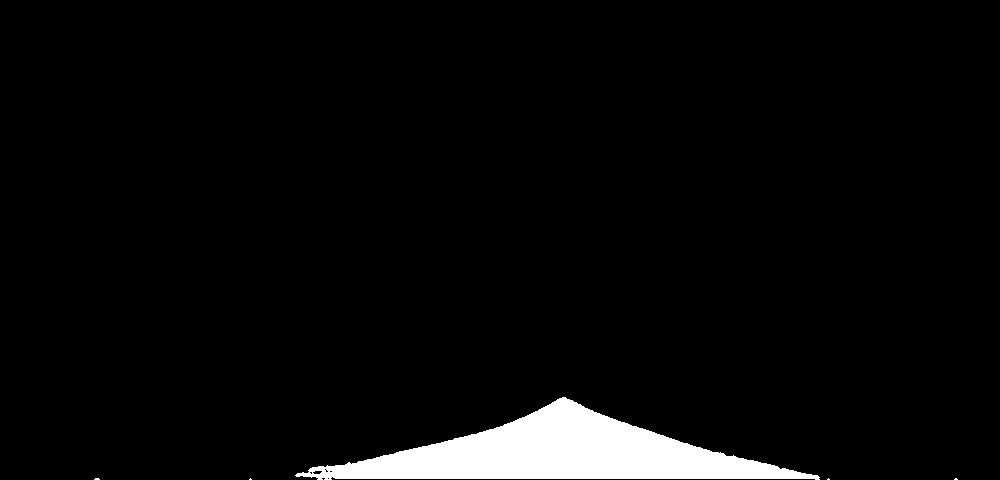
面积如图中所示: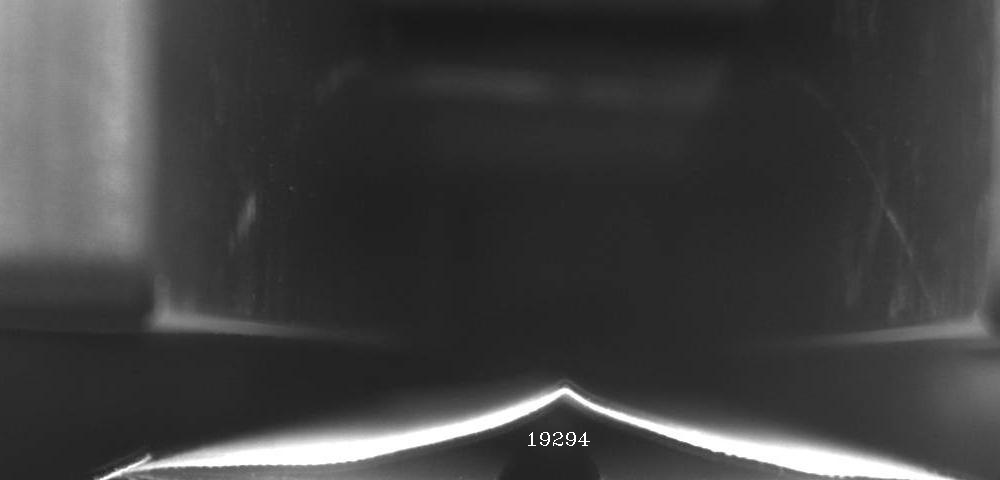
参考:
https://stackoverflow.com/questions/55467031/how-to-get-the-area-of-the-contours